February 23, 2024
 Dear Medicaid Participants,
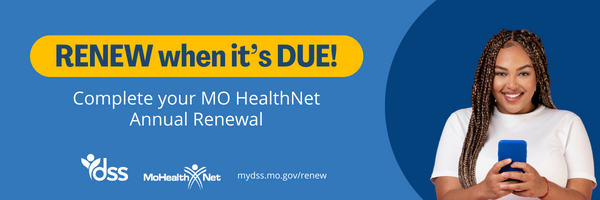
There is an easy way to complete your MO HealthNet annual renewal online with the FSD Benefit Portal. To create an account simply visit the FSD Benefits Portal, click on sign up then follow the prompts. If you have questions you can watch this video on creating your FSD Benefits Portal account. Once you have created your account you will need to connect your profile to complete your portal account.
Once you have created your account and connected your profile, when you log in you will be able to see when your annual renewal is due. You can check your notifications to see the date your annual renewal is due. Starting 55 days before it is due your annual renewal form will be available to complete under What To Do Next.
Here are the other ways you can submit your annual renewal:
-
BY PHONE: Call 855-373-4636 and SELECT OPTION 4 to complete your annual renewal by phone.
-
BY MAIL: The Family Support Division will send you an annual renewal form. Complete this form fully, sign, and return to the address shown on the letter by the deadline.
-
IN PERSON: Visit your local FSD Resource Center to return your annual renewal or to get help with completing your form.
Need Help? Visit mydss.mo.gov/renew for helpful videos, FAQs, or start a chat with us online.
You can view this message in Español.
If you need translation services, call 855-373-4636 and ask for a translator.
|