|
Having trouble viewing this email? View it as a Web page.
|
|
|
|
|
PE Uniform Purchasing Instructions
-
Go to www.myschoolbucks.com
or to the MySchoolBucks link located on your school’s homepage to establish an
account. Create an account for your
son/daughter or use the previous account set up for cafeteria use.
- Once logged in, load school bucks (mandatory –
shorts $8, shirt $12). Other items are optional.
- Click on School
Store.
- Click on Browse
All Items.
- Click on the filter
for Rocky Run only. No other filter should be clicked.
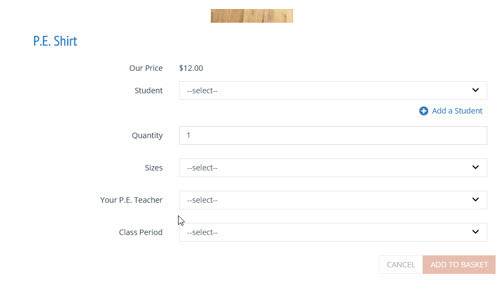
- Click on individual items that need to be
purchases. Every item must be filled out individually.
- When finished adding items, check out and follow
the directions .
- Students will receive their uniform in class
from their teacher.
|
|
|
|