What’s New with My HealtheVet

Prepare for VA’s removal of DS Logon
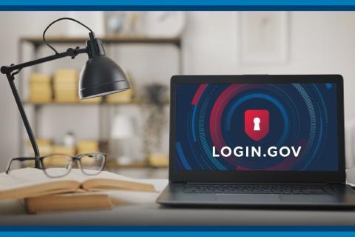
A laptop on a desk displays Login.gov.

Tips to create your sign-in account 

On September 30, 2025, we’ll remove the DS Logon username and password option from VA online services. After this date, you can only use a Login.gov or ID.me account to sign in to My HealtheVet on VA.gov, VA mobile apps, and other VA online services to manage your VA benefits and care.

If you don’t have a Login.gov or ID.me account, we encourage you to create one soon to make sure you’re ready for the change. Thank you for helping us reduce sign-in options and continue to protect your—and all Veterans’—information and benefits from scammers.

Get tips for creating your sign-in account

A Veteran checking her messages online and making notes

Manage your VA information all in one place 

Your VA.gov Profile is a section of VA.gov where you can sign in to review and manage your information and settings for My HealtheVet and other VA applications—all in one place.

Manage your VA.gov Profile

A person sits down in a medical office while a doctor goes over health information.

Where can I find my appointments schedule?

Did you receive a VA appointment notification, but you still have questions? You can always review your appointments on My HealtheVet to get details about your scheduled appointments.

Manage your appointments on My HealtheVet

Sign in or create an account to manage your VA health care and benefits online.