With less than a week until Enrollment Manager goes live, we’re excited to share a new tip with you to help you become familiar with the new system. Each tip was designed to help you navigate Enrollment Manager and support your GI Bill® students with their varying needs.
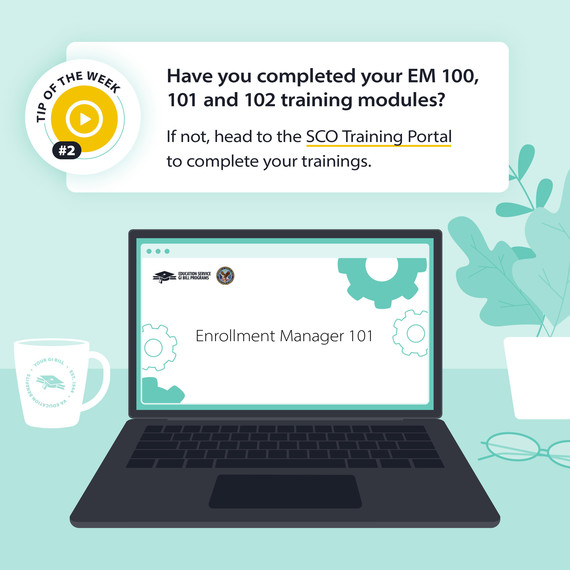
Need to brush up on topics you learned while taking the trainings? You can review them at any time by going to the "Review Only" section within the SCO Portal to review your previously completed courses.
Here’s a list of topics covered in each of the courses:
EM 100: Overview of requesting access to Enrollment Manager.
Logging in with ID.me
Requesting access through your Education Liaison Representative
Requesting one-time access through legacy VA-ONCE
Requesting access as a SCO Assistant and SCO Read-Only user
EM 101: Overview of Enrollment Manager and its basic functionalities that SCOs from all GI Bill® programs will interact with.
What is Enrollment Manager?
How to navigate the homepage
Finding and adding a student to your school
Viewing and navigating a student’s profile
Using the Enrollment Manager Chatbot, Billie
EM 102: In-depth look at specific actions to be performed in Enrollment Manager. This course is tailored for the various SCO institution types (i.e., IHL/NCD, OJT/APP, and Flight).
Submitting an enrollment
Amending an enrollment
Terminating an enrollment
Head over to the SCO Training portal to review the courses today. We hope you learned something new from this week's tip. Have any suggestions on helpful content you’d like to see? Let us know in the feedback form.
Thanks,
Education Service
US Department of Veterans Affairs
Veterans Benefits Administration
1-888-442-4551, TDD: 711
Do you have a question or concern about your benefits? Contact us safely and securely with AskVA!