Have you heard the news? Enrollment Manager will be available on Monday, March 6, 2023. We are excited to provide you with an intuitive, user-friendly system to certify and submit student enrollments. By incorporating your feedback and hearing from you at usability testing sessions throughout the past year, we are confident this is a system built for SCOs, with SCOs.
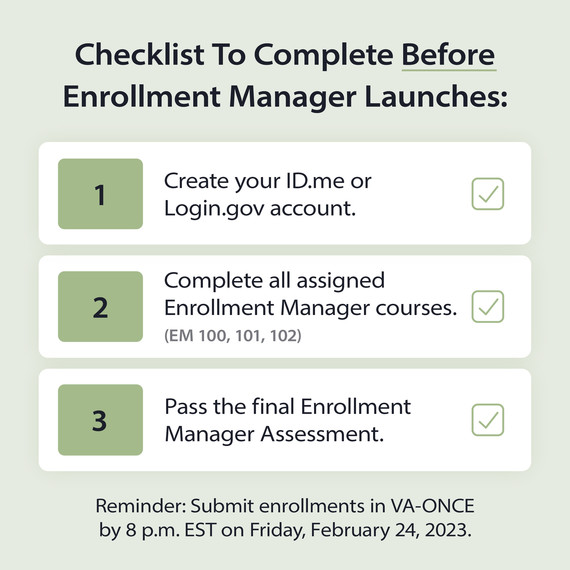
Here are 3 steps to complete before the system becomes available:
1. Create an ID.me or Login.gov account. You’ll need to have a verified ID.me or Login.gov account to log in to Enrollment Manager. Check out this video to assist you on the account creation process.
2.Complete all assigned Enrollment Manager courses. These trainings include system demonstrations and interactive activities to allow you to practice key scenarios in the system before it becomes available. EM 100 and 101 are available now, and EM 102 will be coming soon.Start today in the SCO Training Portal. Note: Some screens in the final system may differ slightly from trainings.
3. Pass the final Enrollment Manager assessment. Test your knowledge to make sure you’re ready to use Enrollment Manager.