|
Follow these steps to complete registration and training:
- Log in to the CMS Enterprise Portal
- Update your information on your MLMS agent/broker profile
- Complete the annual Marketplace training
- Read and accept the applicable Marketplace Agreement(s)
- Print your 2025 Registration Completion Certificate
- Confirm your registration by using the Registration Completion List
Throughout the registration process, you can use the Marketplace Registration Tracker to track your progress.
 |
|
You have two free options for completing your training:
- Through the MLMS offered by CMS.
- Through the CMS-approved vendors, HealthSherpa and INSXCloud. If you choose either of these options to complete training, you must return to the MLMS to complete your registration though you do NOT have to complete the training again on the MLMS
|
Plan Year 2025 Enhancements: The Plan Year 2025 registration and training survey will now be available in the MLMS, right after you complete your training! Your feedback via this survey will help CMS improve training in the future. |
|
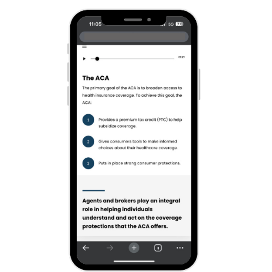 |
Reminder: Spanish training is also live and available on the MLMS today!
You can also take the Help On Demand training one business day after you complete your Marketplace registration, training, and agreements. Simply log back into the MLMS to complete this course and participate in Help On Demand! Help On Demand is a consumer assistance referral system that quickly connects consumers seeking assistance with Marketplace-registered, state-licensed agents and brokers in their area who can provide assistance with Marketplace plans and enrollments.
Learn more about how to participate in Help On Demand.
Have questions about registration and training? Check out these frequently asked questions. You can also contact the Marketplace Service Desk at 1-855-267-1515 Monday through Friday from 8:00 a.m.−8:00 p.m. EST.
|