The Marketplace Learning Management System Closes on July 14
Starting July 14 at 9:00 a.m. ET, the Centers for Medicare & Medicaid Services (CMS) Marketplace Learning Management System (MLMS) will close or “Go Dark” in preparation for the launch of the Marketplace Plan Year 2024 registration and training.
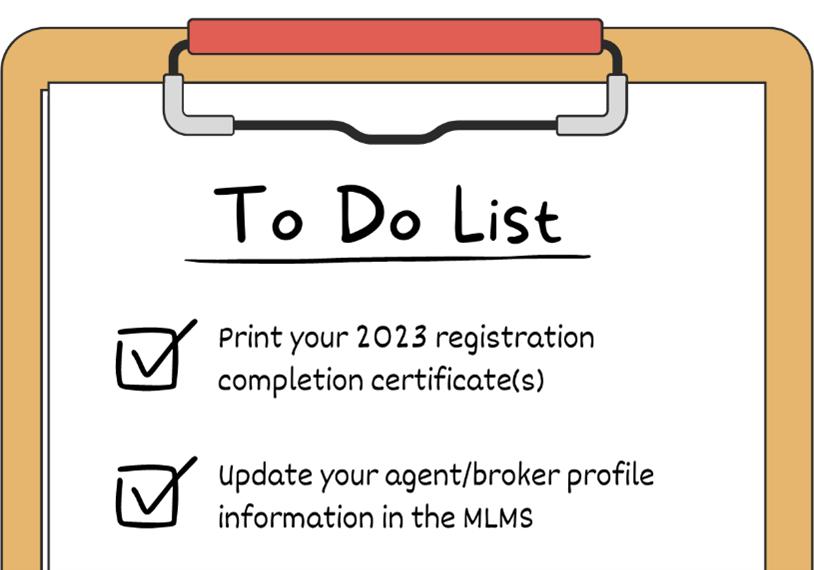
Certificates showing you’ve completed Plan Year 2023 registration and training will not be available after the MLMS closes or when the system goes live for Plan Year 2024 registration and training. To print your 2023 Registration Completion Certificate(s):
Log in to the CMS Enterprise Portal. After logging in, you’ll be automatically taken to the Agent/Broker Registration Status page, from which you can access your certificate(s).
Click the Print Certificate(s) link and follow the prompts to download and/or print your certificate(s).
To update your Marketplace agent/broker profile information:
Note: If you have not already updated your CMS Enterprise Portal password to comply with the new password requirements introduced in April, you will need to update your password when logging in.
Click the My Apps icon in the middle of the blue toolbar at the top of the webpage.
Click the Training link under the MLMS header. You will be taken to your agent/broker profile.
Update any outdated information in your Business Profile to ensure the Marketplace has your most up-to-date information.
Click the Save button to save your information.
More information on registration and training for Plan Year 2024 will be coming soon.