|
We are still receiving lots of requests to change test records that have been recorded incorrectly due to the wrong registration or VIN number being used.
Requests for amendments can come from testers, garage managers or members of the public at the point they realise the vehicle details have not been correctly recorded.
When the wrong details are recorded in MTS, it leads to an inaccurate public record being created.
Over 200 test records every month need correcting.
The time taken to amend these records causes a lot of inconvenience for the tester/garage and customer for them to receive the correct information and an accurate entry on check MOT history.
In some cases, this can mean that the vehicle does not show as having a valid MOT and the driver could be subject to a fine.
Some of the common ways errors can happen are:
- using details straight from a job card provided to you and not cross referencing with the vehicle.
- when transferring the details from a notebook you use the wrong information
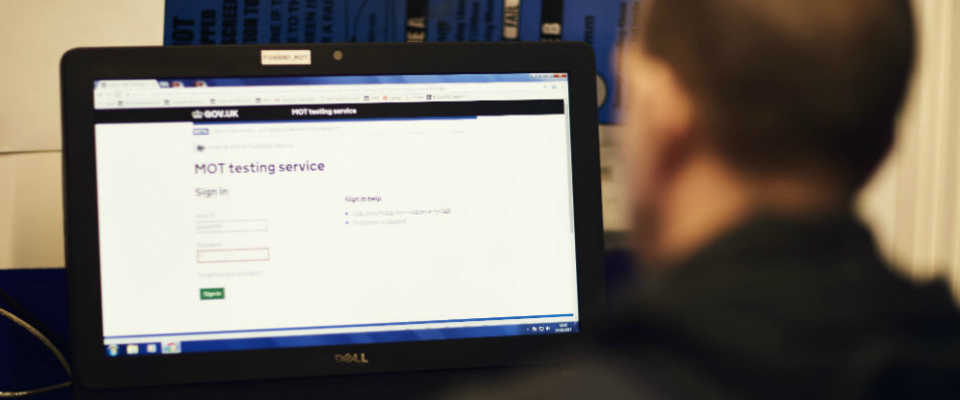
- accidentally recording your results against another test because another tester hasn’t signed out of the MOT testing service
Unfortunately, testers often realise too late that they’ve made a mistake. This is when they contact us to get records amended.
We’re asking everyone to be extra vigilant when recording MOT VRMs in MTS.
We know that mistakes can and will happen and that you’re continuing to work hard to recover your MOT business. So making sure you’re entering VRMs and VINs correctly will help to avoid the hassle of having to contact us when you need a record amending.
Incorrect vehicle entries can also result in disciplinary cases for the MOT tester and AE which we want to avoid.
|