|
Did you witness or experience exemplary customer service? How about a colleague going above and beyond to complete a project or handle a last-minute request?
Acknowledge your colleagues’ contributions by submitting a kudos and using the Give Feedback feature.
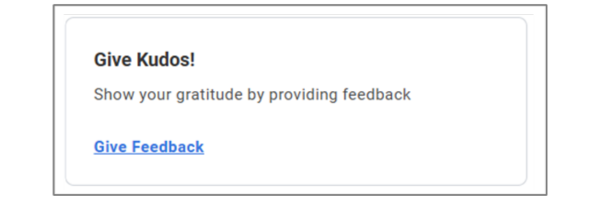
Scroll to the bottom of your Workday@OK homepage to find the Give Kudos! tile, then select the Give Feedback link.
 In the pop-up window that appears, choose the recipient for your feedback from the Worker dropdown.
Then, select how you would like to share your feedback, enter your feedback and select a badge to include with your feedback. There are 19 different badges to choose from, including Thank You, Teamwork, Inspiring, etc.
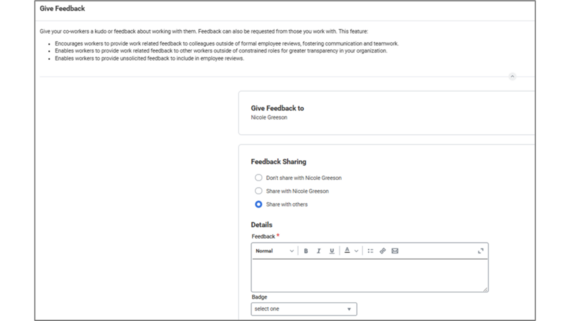 Finally, select Submit.
The feedback is sent to the employee’s manager to be reviewed.
After the feedback is approved, the recipient is notified via their Workday@OK notifications. The employee has access to all feedback they receive via the Feedback tab in their profile.
You may also request feedback for yourself via the Feedback Requested tool located in your profile under Feedback.
 Requesting feedback is as simple as giving feedback. Simply select the Feedback Requested tab and then select the Get Feedback button.
|