|
Good afternoon,
Service Oklahoma began transferring employee information into our Workday system on January 3. Please check your vacation and sick leave balances to ensure all individual records are migrated. If any information does not appear to be correct, please get in touch with HR Director Teresa Aita.
Finally, the process for entering time will be slightly different. Please refer to the diagram below to help you navigate the process. Time should be entered by the close of business every Friday for supervisor approval.
FOR THIS PAY PERIOD ONLY: Employees can enter time for January 1 - 14 until close of business on Monday, January 16.
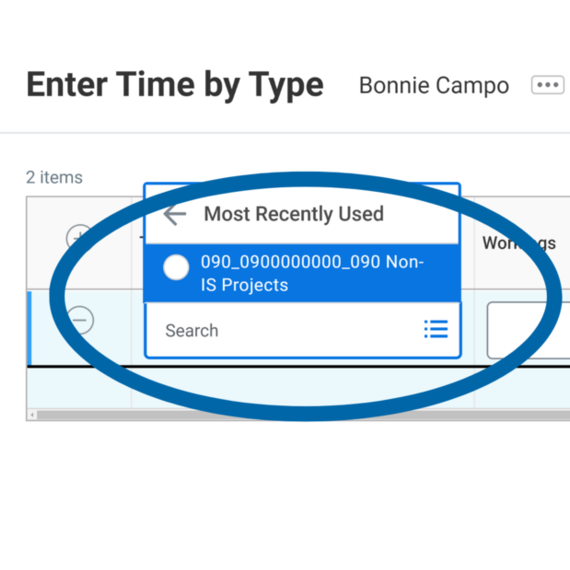
- Under “Time Type” type 090_0900000000_090 and click enter.
- Next, enter your hours per day to the right. Click "OK" at the bottom left of your screen.
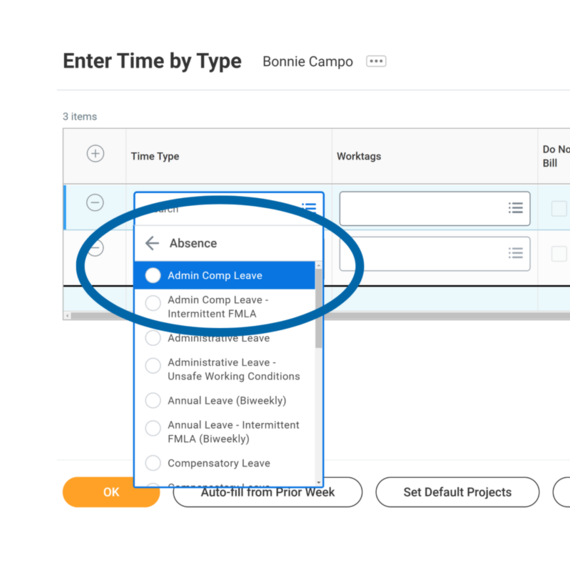
- If you took leave or have an absence, you will need to add another row for “Time Type” by clicking the “+” icon (located by Time Type). Select the type of leave taken and fill out the hours in that row. Click "OK" when you are finished adding time for the week.
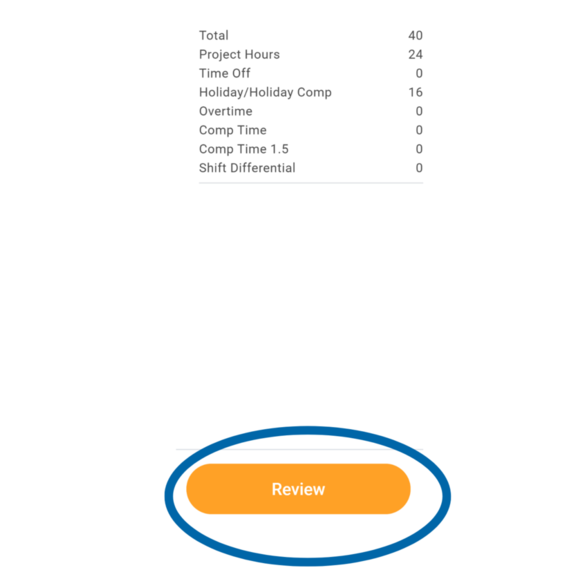
- Make sure that you are reflecting your time accurately and click “Review.”
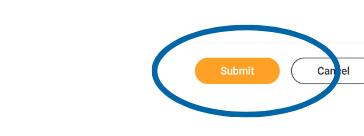
- To finish, click "Submit."
- Supervisors hold the responsibility to review & approve time weekly, no later than 3 p.m. each Monday, unless an earlier deadline is established.
- Supervisors shall enter and approve hours for employees who are out of the office. Failure to do so may result in the delay of pay to the employee.
- As a reminder, leave holidays blank. Those hours will autofill.
Thank you for your patience!
|