|
The Ohio Medicaid EVV website has been updated with important resources for providers including a frequently asked questions document (dated August 30, 2024) that has been posted to the landing page.
Return to top.
The Ohio Department of Medicaid and Sandata are committed to ensuring that providers have the information needed to successfully use the Electronic Visit Verification (EVV) enhancements.
We encourage all providers to familiarize themselves with the new features and functionalities by registering in Sandata Learn for EVV enhancement self-paced trainings:
Electronic Visit Verification Enhancement Training
Description: This two-hour course will guide agencies and independent providers through enhancements made to the EVV system.
Intended Audience: Agency administrative staff and independent providers using the Sandata system. This training is not intended for agency-employed direct care workers or participant-directed only providers who receive payment through a financial management service.
Aggregator Training
Description: This one-hour course will guide agency providers using an alternate vendor through the recently implemented changes to reporting and sign-in.
Intended Audience: Agency provider administrative staff using an alternate vendor.
Optional Scheduling Training
Description: Scheduling is an optional feature in the Sandata EVV system. This one-hour course will show users how to create and manage schedules for direct care workers. Using this feature reduces the need for direct care workers to enter the client or recipient ID for each participant and allows them to see their schedule directly in the Sandata Mobile Connect application.
Intended Audience: Agency administrative staff and independent providers who use the Sandata EVV system to capture visits.
Please note: Trainings are not intended for agency-employed direct care workers or participant-directed only providers who receive payment through a financial management service.
Office Hours
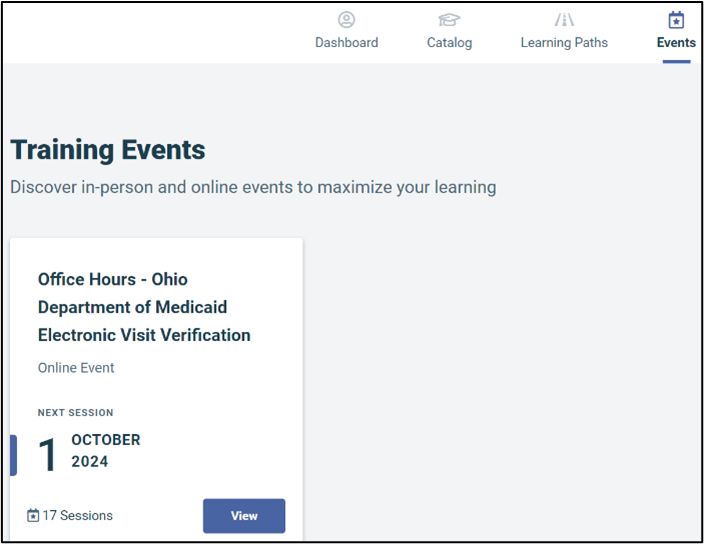
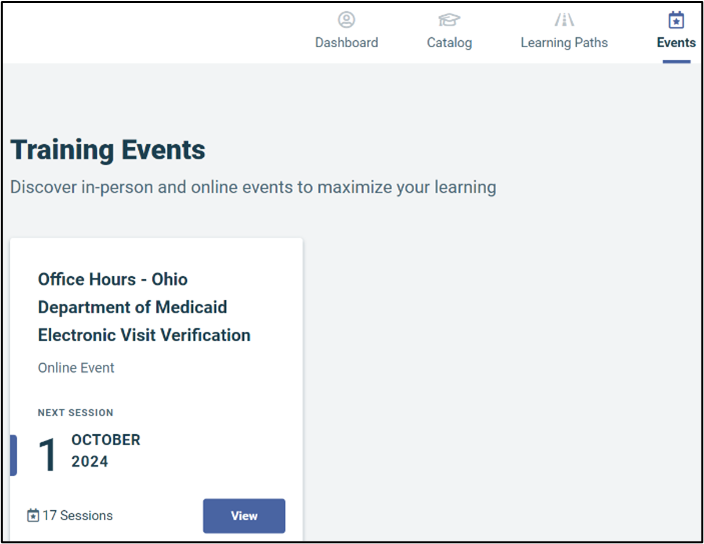
Receive help with your EVV system in a group setting from a Sandata trainer. Select the Events tab to view all sessions.
|