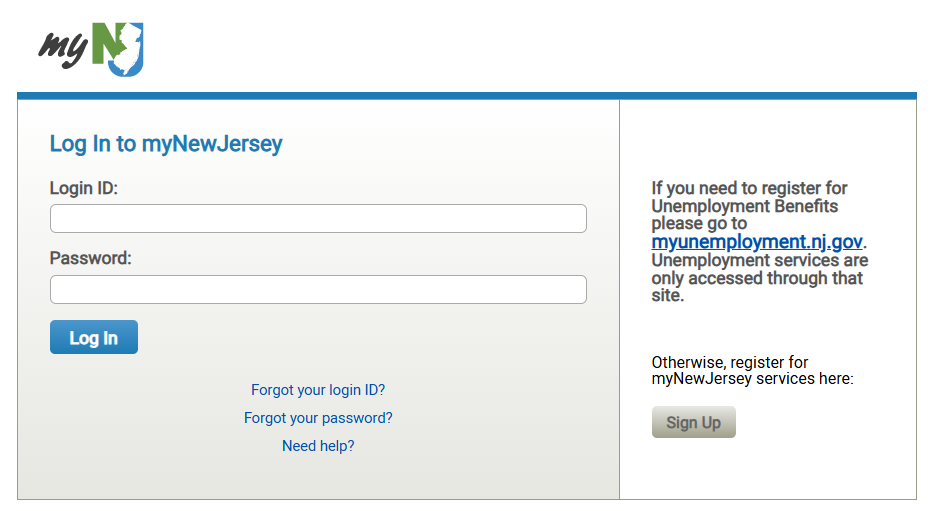
Starting today, December 10, all users must access NJ Learn exclusively through the myNJ Portal website. A one-time setup process is necessary to complete your access.
For those without a myNJ account
Look for an email with the subject "Authorization for NJ Learn".
Carefully follow the instructions in the email.
The email will contain a link to the myNJ portal and a one-time personalized authorization code.
Use the code to register and access the portal.
For Existing myNJ Account Holders:
Log in to your existing myNJ account.
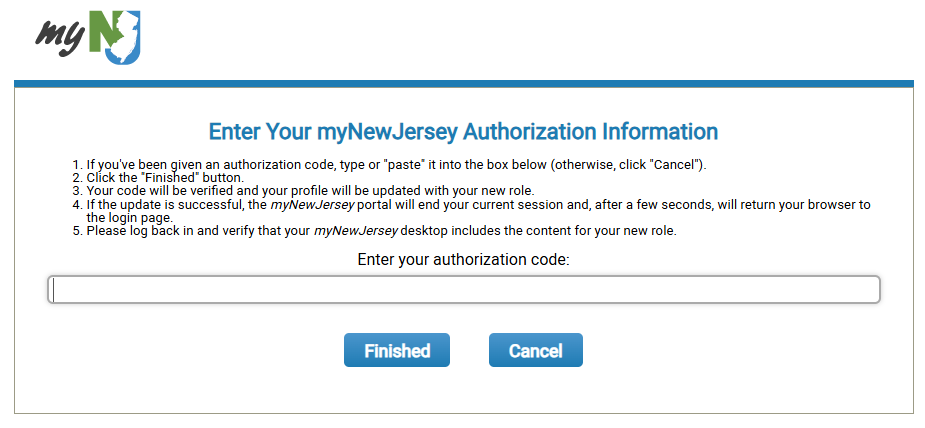
Locate and click the "Auth Code" button, typically found in the top-right corner of the screen.
Check your email for an authorization code. Copy this code, paste it into the provided field, and click "Finish".
You must completely log off and then log back in to your account. The NJ Learn application will appear within the portal upon your return.
Resources
Help Desk Ticketing System
If you need NJ Learn assistance, you can fill out a help ticket using our new ticketing system. Please include as much information as possible and we will reach out to you.