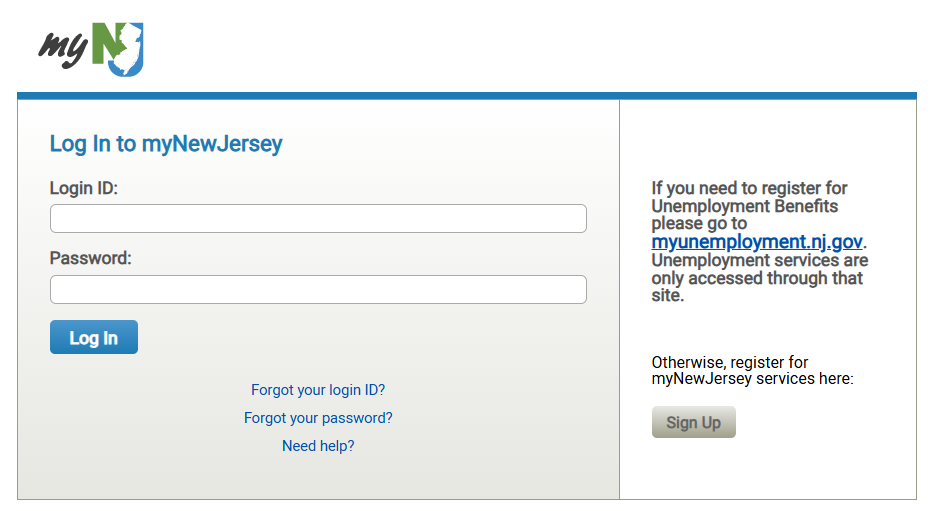
Starting the week of December 8, you must access NJ Learn through the myNJ Portal. A one-time setup is required. Additional communications will be sent closer to the date with reminders and helpful tips.
Your Setup Steps:
Look for an email with the subject: “Authorization for NJ Learn”.
Use the email contents: It contains your link, a unique authorization code, and instructions.
Follow the instructions carefully to link your existing accounts.
How to Log In Afterward:
Log in to the myNJ Portal and click the NJ Learn logo.
(OR)
Go to njlearn.com and click the Sign In button to login to myNJ Portal which will bring you to NJ Learn.
Resources
Help Desk Ticketing System
If you need NJ Learn assistance, you can fill out a help ticket using our new ticketing system. Please include as much information as possible and we will reach out to you.