|
 Hello!
Thank you for your patience. We're working hard to make sure you can log onto the new Raleigh Water Self-Service portal. We saw you were stuck in the middle of the registration process. Here’s what you need to do to be able to complete your registration.
What You Will Need:
- a mobile phone;
- your account number;
- your zip code.
Your account number is on your bill. If you don't have access to your most recent statement (printed copy or an email,) that's okay! The easiest solution is to simply wait and complete your registration once your next bill comes in.
- All e-bill/paperless bill users receive an email with subject “City of Raleigh - Your Utility Bill is Available.”
Next Steps:
- Go to rwss.raleighnc.gov
- Enter the email and password you previously used. If you do not remember the previous password, you can choose the “Forgot your Password” option and follow the instructions using the verification code sent to your email.
- You will then be prompted to verify your mobile phone number using the verification code sent to your mobile phone.
And please remember:
- If you entered a landline phone number when you started your registration, if you haven’t already, please email us at raleighwaterselfservice@raleighnc.gov so we can reset your registration.
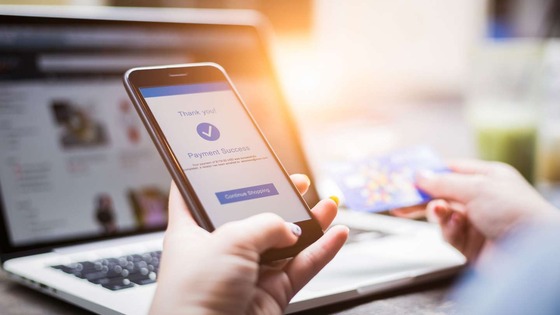
- If you need to make a payment, you can do so online through our Pay as Guest option or over the phone by calling 888-905-3169. You can also pay in person downtown, at any merger community town hall, or at area Walmarts.
- Late fees and service disconnections are suspended until further notice.
We sincerely thank you for your patience! Have a quick question? Check our FAQ page. If you still have questions or issues logging in, email raleighwaterselfservice@raleighnc.gov or call 919-996-3245.
Sincerely,
Your Raleigh Water Team
|
|
|
|