March 12, 2025
Dear FSD Benefits Portal account holder,
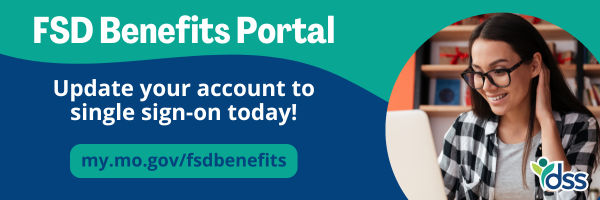
The Family Support Division is transitioning all FSD Benefits Portal accounts to single sign-on (SSO) to enhance security and streamline access. To ensure continued access, please transition your account to SSO by April 15, 2025.
To transition your account, please visit my.mo.gov/fsdbenefits and follow the steps below.
- Click to ‘Login.’
- Carefully read through the privacy practices that pop up on your screen and click ‘I Agree’ when you understand and accept the terms.
- Enter your username and password then click ‘Login.’
- Follow the prompt to get a code to verify your identity.
- Enter the required information in the form and click the button to create your account.
- Check for an email from ‘FSD IM Benefits Portal’ to verify your email address.
- Wait for a text message with a one-time passcode at the phone number you put on your form. Enter this code into the one-time passcode field and click the submit button.
- Check for an email with instructions for accessing your account.
- Use the username and password given to you in the email to login to your account.
- Follow the prompts to set a new password.
Once you complete these steps, your FSD Benefits Portal account will be successfully updated.
If your account has not been transitioned by this date, it will be deleted, and you will need to create a new account to access the FSD Benefits Portal.
Thank you,
Missouri Family Support Division
|