Digital Experience
February 20, 2026
Learn more about the latest enhancements and bug fixes from the past two weeks, along with the latest news and how-to articles and videos.
Discover more about updates to the DX platform and access training materials on the DX Training website.
ENHANCEMENTS AND BUG FIXES
Website Search Boxes Cut Off on Various Browsers
Although this issue didn't affect functionality, we couldn't see the magnifying glass button on the right side of the Google search bar. This issue has been fixed.
Acquia Optimize Accessibility Errors and Warnings
Some of the issues to fix and warnings under the Accessibility tab in Aquia Optimize are frustrating as they are not fixable by users. Lullabot has been provided a list of the most common ones, is researching them, and will provide guidance. The DX team will add that information to the DX Training website when we have more information.
TRAINING CORNER
Stay up to date with the latest training resources designed specifically for content managers. Whether you are looking to enhance your skills or streamline your website updates, this section will keep you informed and ready to tackle any new challenges. Visit the DX Training site to brush up.
|
|
 |
. . . . . . . . . .
HOW TO: Learn About Qualtrics Successes and Highlights
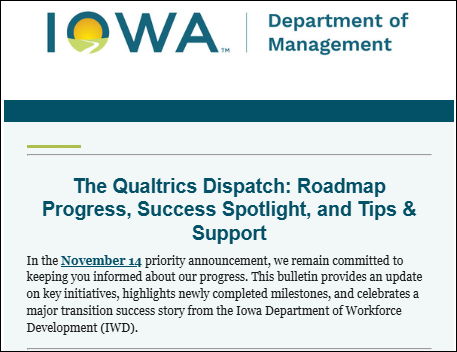
Visit the to check out exciting successes and highlights! These bulletins are packed with real-life examples of how different agencies are effectively utilizing Qualtrics, along with valuable tips and inspiring achievements.
Don’t miss out on resources available on our . Discover all the ways the Qualtrics team is ready to support you. From on-demand training and Basecamp to personal one-on-one sessions and Office Hours, we’ve got a wealth of resources at your fingertips.
And remember, if you need access or assistance, simply complete a ServiceDesk Plus ticket by following these easy instructions.
. . . . . . . . . .
HOW TO: CommonLook Training
If you've received your invitation from Allyant to log in to the web-based version of CommonLook PDF, or had the CommonLook add-in added to your Microsoft Word or PowerPoint, be sure to register for free training on the Allyant website. Allyant offers beginner and advanced training, as well as open office hours to answer your individual questions.
You can find more information about CommonLook products and links to their training sessions, support, and office hours on the DX Training website.
. . . . . . . . . .
HOW TO: Submit a ServiceDesk Plus Ticket
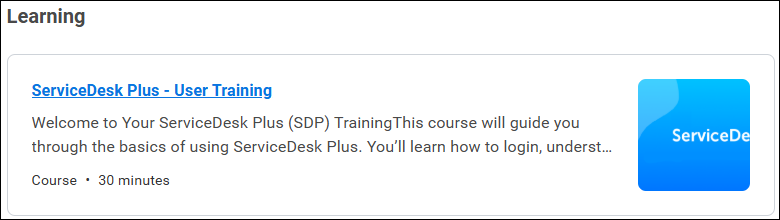
For a refresher on how to submit a ServiceDesk Plus ticket, visit Report an Issue on the DX Training website. You'll find the differences between Incident, Request for Information, or Service Requests and which to choose. You can also log in to Workday to access the ServiceDesk Plus training.
LEARNING OPPORTUNITIES
YouTube Channel
New and updated training videos are being added monthly to the DOM DoIT Digital Experience YouTube Channel and linked within DX Training site pages. You can subscribe to the channel to be notified when new videos are added.
Qualtrics Office Hours
Join Qualtrics virtual office hours every Tuesday and Thursday for live support from Qualtrics experts. You can find all office hour details and additional training opportunities at Qualtrics Training and Support.
Weekly DX Training Classes
The weekly DX course is designed for new users and those looking for a refresher on the platform basics. You can register directly on the DX Training site: Weekly DX Training Classes.
Weekly Content Manager Office Hours
Need help or have questions? Join our live office hours every Thursday from 1-2 p.m. CST. No registration is needed - simply click the live meeting link available on the DX Training page during the scheduled time. Sharean Morishita will be there to assist with troubleshooting, platform refreshers, or any other questions you have.
MSF&W Accessibility Weekly Office Hours
Every Wednesday at 9 a.m. CST you can ask MSF&W's accessibility experts your questions. If you are having trouble figuring out how to fix a table or form or need help understanding appropriate alternate text, just pop into the meeting. No reservation is required. Visit Accessibility Training on the DX Training site for the Teams meeting link.
MSF&W Accessibility Training Playlist
You can find past MSF&W accessibility training recordings of topics such as Accessible Images, PowerPoint, Excel Tables, Forms, and more within the DOM Digital Experience YouTube Channel.
|