Digital Experience
September 19, 2025
Learn more about the latest enhancements and bug fixes from the past two weeks, along with the latest news and how-to articles and videos.
Thank you for your continued dedication and contributions. Let’s keep striving for excellence together!
Discover more about updates to the DX platform and access training materials on the DX Training website.
NEWS
Updates from Lullabot
There's been a lot of activity in the background the last two weeks as Lullabot works on their backlog of submitted tickets.
Completed items:
- Addressed the broken link reports in Acquia Optimize for RSS feeds.
- Addressed issue of not allowing deleting or archiving of an alert.
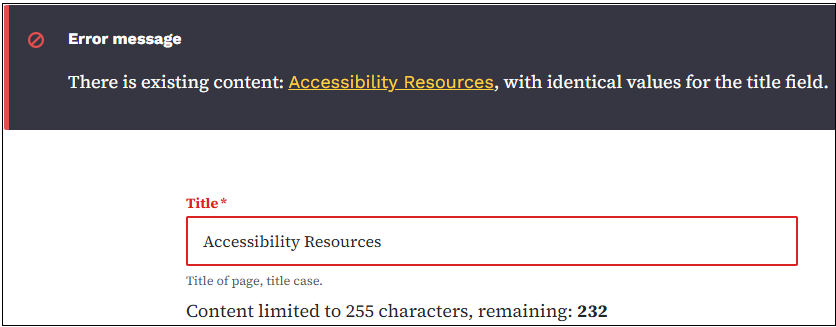
- Added a warning in Drupal when you try to enter a page title that already exists.
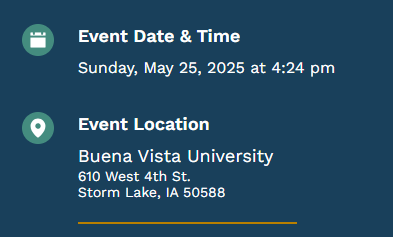
- The location section on Event pages now hyperlink to the location content page when clicked. The link is added to the location title.
TRAINING CORNER
Stay up to date with the latest training resources designed specifically for content managers. Whether you are looking to enhance your skills or streamline your website updates, this section will keep you informed and ready to tackle any new challenges. Visit the DX Training site to brush up.
|
|
 |
HOW TO: Work with Tables
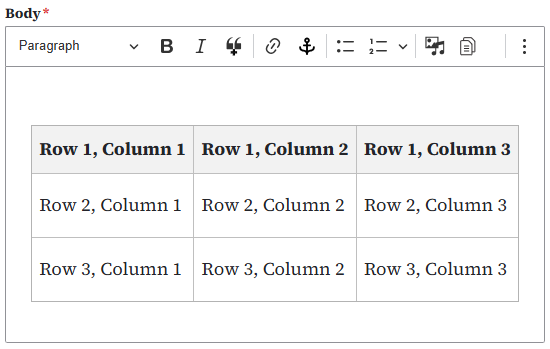
Tables are used for data that fits in rows and columns like prices of items, numbers in a report, or scores from a game. They are best used for information that's easier to see in a grid. This helps people compare and understand the data faster.
A Table is comprised of rows and columns of cells containing data. The first row at the top of the Table is called a header row. This will designate the topic of each column. The first cell in each row can also be designated as a header cell to label as an additional topic for each row.
Creating a Table for your data is easier if you understand how Tables work and give some thought to how your data will display within a Table before you begin creating one. Learn more about creating, editing, and working with Tables on the DX training website.
. . . . . . . . . . . . . . . . . .
HOW TO: The DX Sandbox
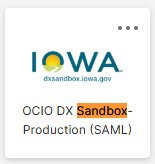
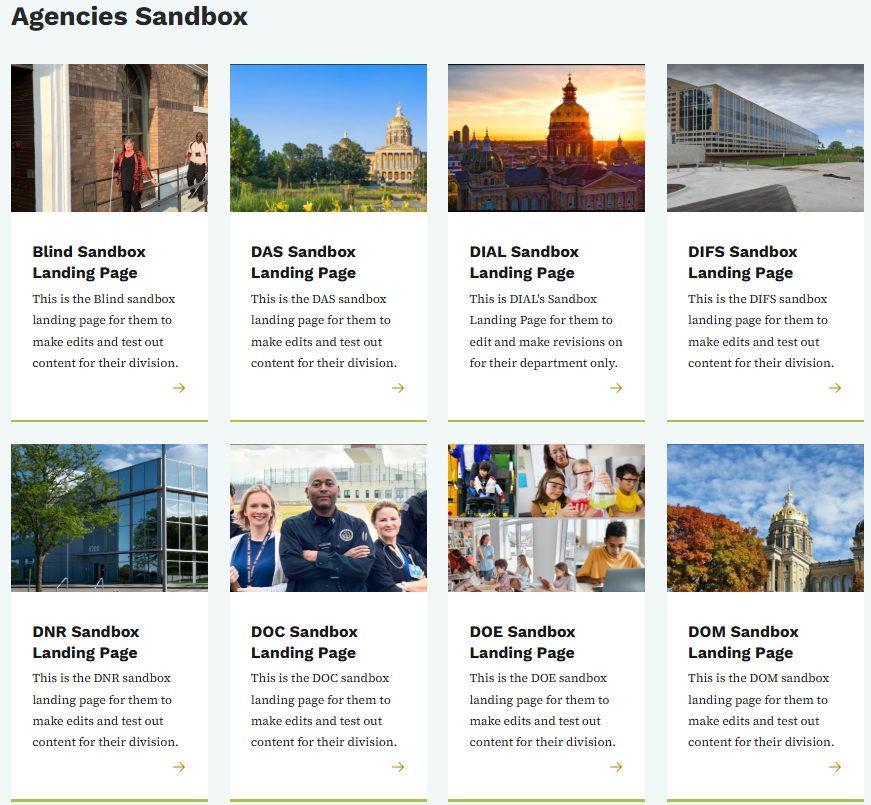
Agency Managers have access to the DX Sandbox. The Sandbox allows you to test and create content in a test environment. When creating content for your agency, make sure to use the Division/Sections taxonomy to select your division. This will help ensure that the content types you create and test can be easily sorted, grouped, and found within your division. This content will not be added to your website. To access your DX Sandbox, log in through your Okta Tile.
Once logged in, you'll see a list of all agencies with links to their agency landing pages. Click your agency, and get started learning, practicing, and creating. If you create a page you'd like to add to your production website, you can easily copy and paste from the DX Sandbox to a new page you create within your production website.
YouTube Channel
New and updated training videos are being added monthly to the DOM DoIT Digital Experience YouTube Channel and linked within DX Training site pages. You can subscribe to the channel to be notified when new videos are added.
|
|
 |
Weekly DX Training Classes
The weekly DX course is designed for new users and those looking for a refresher on the platform basics. You can register directly on the DX Training site: Weekly DX Training Classes.
Weekly Content Manager Office Hours
Need help or have website questions? Join our live office hours every Thursday from 1-2 p.m. CDT. No registration is needed - simply click the live meeting link available on the DX Training page during the scheduled time. Sharean Morishita will be there to assist with troubleshooting, platform refreshers, or any other questions you have.
|
|
 |
Application Accessibility Assessment Weekly Office Hours
Application Assessment Office Hours are open each Monday from 11 a.m.-12 p.m. CDT with Todd Peterson. Feel free to drop in to ask your questions or if you would like assistance in determining if an application's accessibility should be assessed.
Bulk Document Remediation Weekly Office Hours
Bulk Document Remediation Office Hours are open each Tuesday from 9-10 a.m. CDT with Todd Peterson. Feel free to drop in if you have questions about whether a doc(s) needs to be remediated, removed, or archived, or questions about having Allyant and the IowAccess Doc Remediation project assist with document remediation.
MSF&W Accessibility Weekly Office Hours
Every Wednesday at 9 a.m. you can ask MSF&W's accessibility experts your questions. If you are having trouble figuring out how to fix a table or form or need help understanding appropriate alternate text, just pop into the meeting. No reservation is required. Visit Accessibility Training on the DX Training site for the Teams meeting link.
MSF&W Accessibility Live Training - PowerPoint
The next MSF&W Accessibility Training session is scheduled for September 25 at 1 p.m. CDT. This live training session will focus on Microsoft PowerPoint accessibility. Register for this training session.
|