Background
The Hot Spots Analysis and Reporting Program (HARP) Emission Inventory Module (EIM) is a data reporting tool that outputs the California Emissions Inventory Data Analysis and Reporting System (CEIDARS) 2.5 transaction files.
CARB has released both a software update and a file update. For 2025 point source reporting, both the software update and file update are required.
Installation instructions are provided at the bottom of this bulletin.
File Updates
CEIDARS utility table
Utility tables are lookup tables for specific CEIDARS data columns (e.g. the POLLUTANT utility table is used to populate the emission table's POL column).
The following utility tables have been updated:
-
CATEGORY
-
CNTLDEV
-
COABDIS
-
DEFSRCTYP
-
EIC
-
POLLUTANT
-
SCC
-
SIC
For utility table descriptions, see CEIDARS data dictionary.
The most notable utility table update is DEFSRCTYP. The codes in this utility table are used to populate the stack source type column (SRCTYP) in the stack table.
CARB has transitioned from using the United States Environmental Protection Agency (EPA)'s NEI codes to the EPA's AERMOD codes. Please reference this crosswalk for transitioning SRCTYP codes:
|
NEI (2023 - 2024 inventory year)
|
AERMOD (2025 inventory year onward)
|
|
1: fugitive area
|
AREA
|
|
2: vertical
|
POINT
|
|
3: horizontal
|
POINTHOR
|
|
4: goose neck
|
POINTCAP
|
|
5: vertical with rain cap
|
POINTCAP
|
|
6: downward-facing vent
|
POINTCAP
|
|
7: fugitive 3-D
|
VOLUME
|
|
8: low flow vent
|
POINT
|
|
9: fugitive 2-D
|
AREA
|
Users of HARP EIM can apply this crosswalk to their point source inventory within HARP EIM. Instructions on how to do so are provided in the next section.
CEIDARS database
In the backend, HARP EIM utilizes a Microsoft Access database file in order to define tables and data column constraints. This database file aligns with the database structure of CEIDARS.
The following updates were made to HARP EIM's database file:
- STACK table
- The SRCTYP column's character length has been extended from 7 characters to 9 characters in order to accommodate the updated codes in DEFSRCTYP.
- QUERIES table
- The list of pre-defined SQL queries available in HARP EIM has been updated.
- The most notable addition is the stack source type crosswalk. Running this query will batch update any stack record that is using an NEI code and map it to an AERMOD code.
- The pre-defined SQL queries can be found in Tools > Database Utilities > SQL Viewer

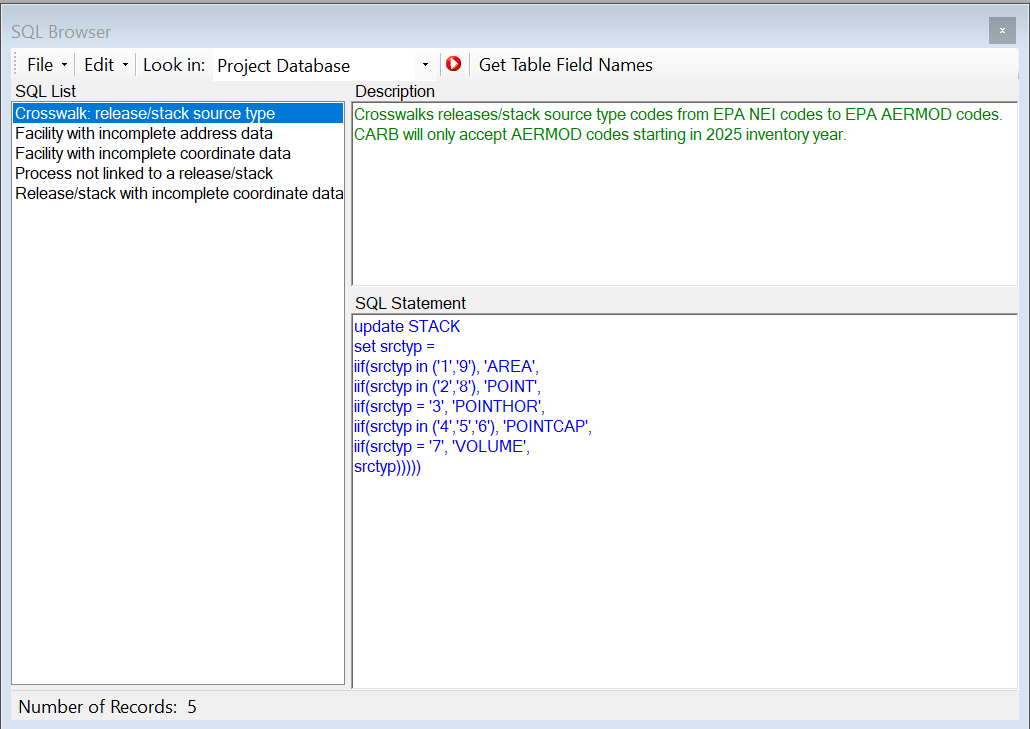 HARP EIM interface displaying the SQL Browser, where users can run pre-defined queries on their project
Note: the only way to obtain the updated database file is by installing HARP EIM v2.3.0, which is why the software update is required for 2025 point source reporting.
Software update
Transaction file validation tool
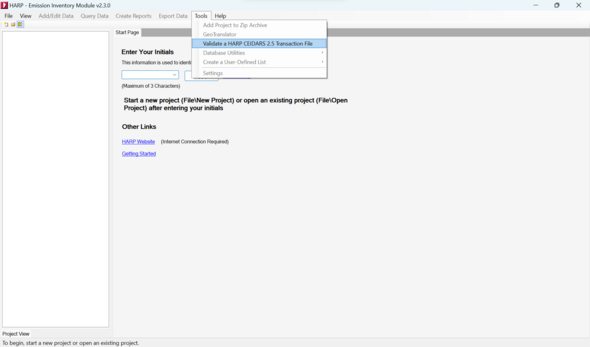
HARP EIM's transaction file validation tool performs the data QA/QC checks outlined in CARB's point source reporting guidelines The tool provides a log of flagged data records and describes what the issue is for each record.
The transaction file validation tool has been updated to align with the QA/QC that CARB will be performing on 2025 point source inventory submissions. CARB highly recommends Air Districts utilize the validation tool prior to submitting their 2025 point source inventory to CARB.
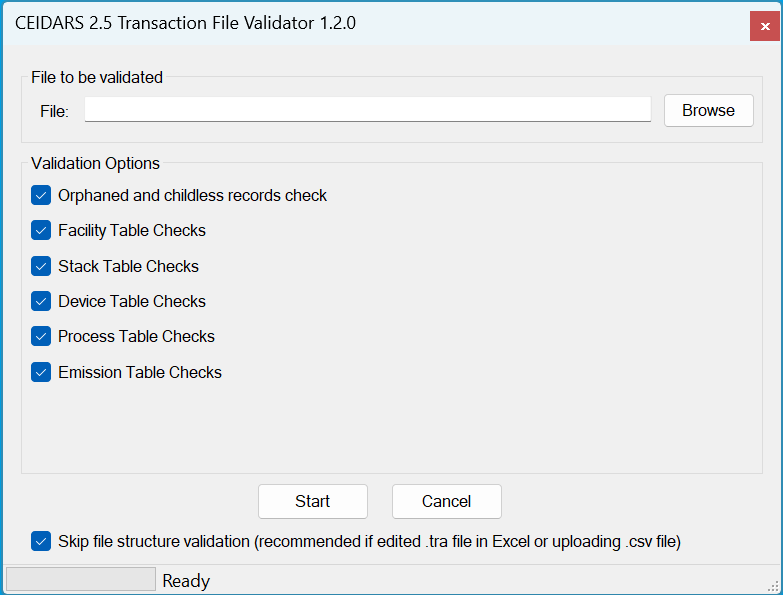
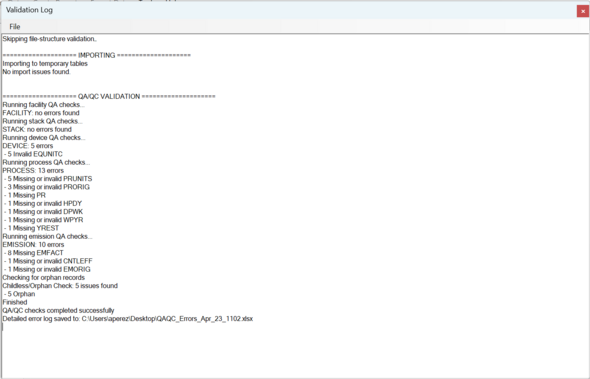 HARP EIM interface displaying the summary page for a transaction file that has been run through the transaction file validation tool
Batch excel importing
The batch excel importer now supports importing .xlsx files. The previous version of HARP EIM (v.2.2.0) only supports importing .xls files.
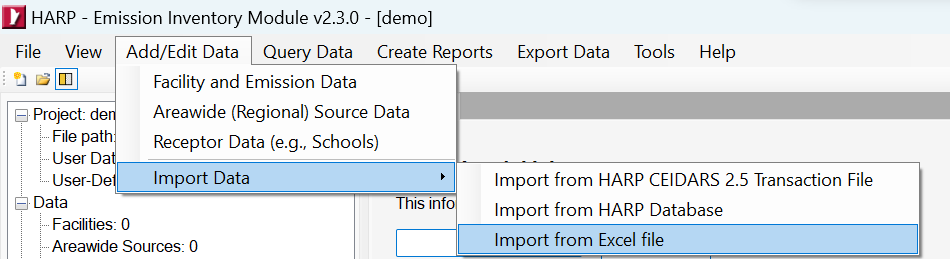 Individual table excel importing
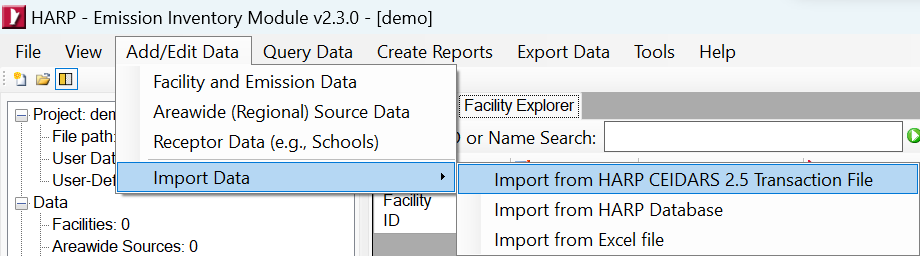
Excel importing to individual tables has been re-introduced. This functionality was removed in the previous version (v.2.2.0).
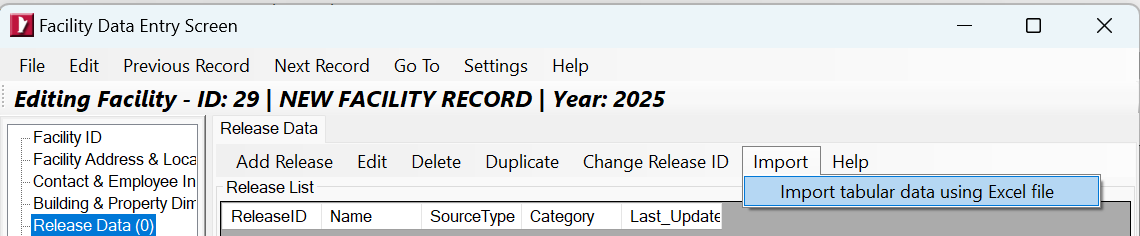
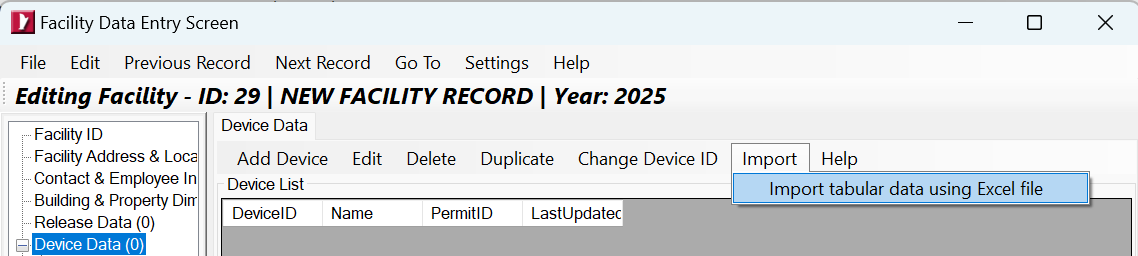
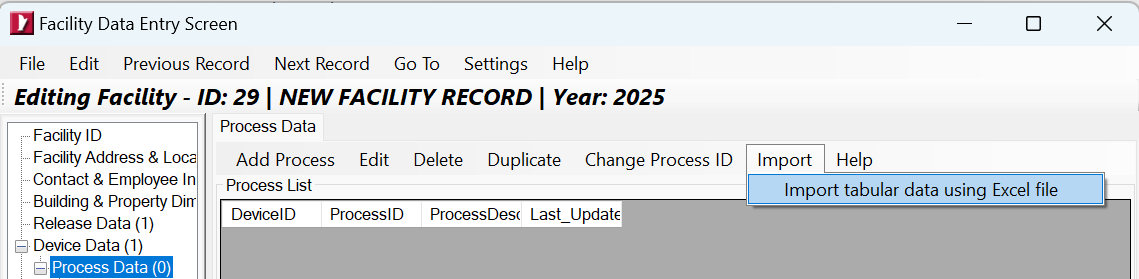
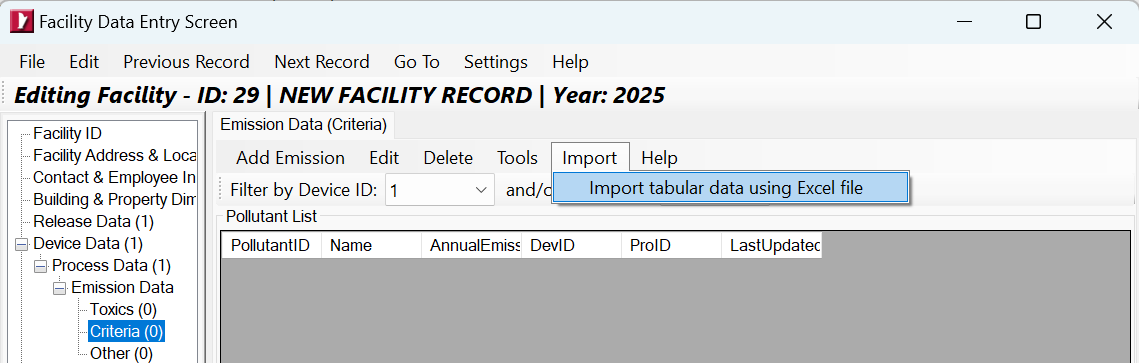
Note: individual table excel importing only supports .xls files, consistent with how this feature functioned in earlier versions of HARP EIM (e.g. v2.1.6).
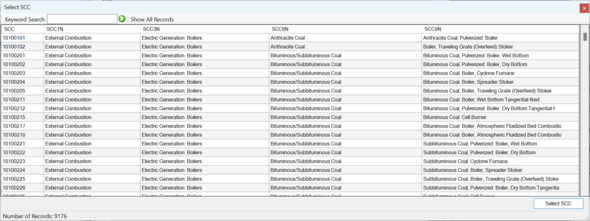
SCC lookup
When selecting an SCC code, the lookup table no longer displays the SCCUN column. This column provides a default process unit to a given SCC code.
The reason for removing SCCUN is CARB requires process rate units be reported using the DEFPRUN utility table.
 Change in the default installation folder
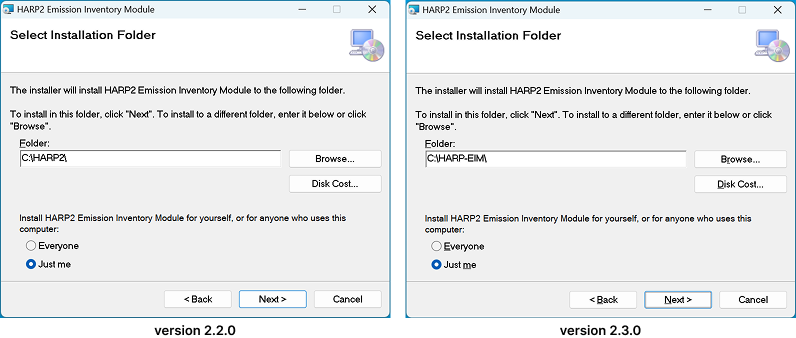
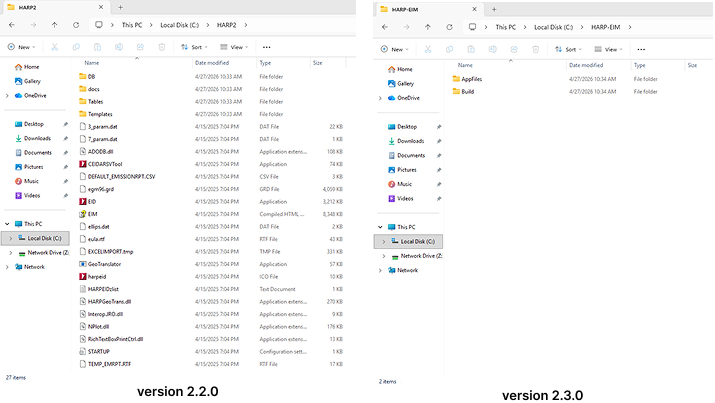
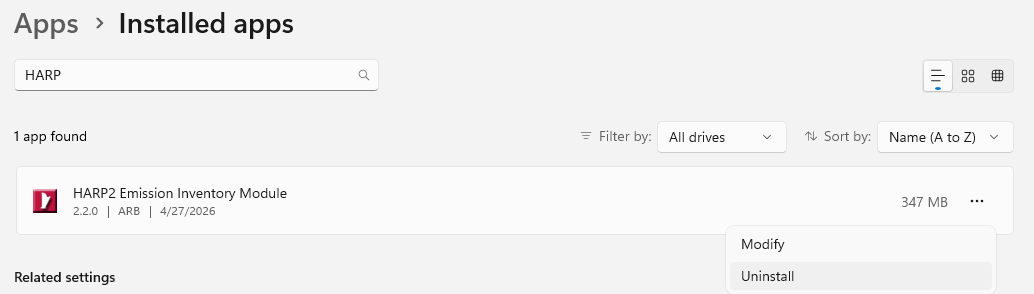
When installing HARP EIM, the default file path for the application has been changed from C:\HARP2\ to C:\HARP-EIM\
Below you'll see a side-by-side comparison between the previous version (v2.2.0) and the latest version (v2.3.0).
|