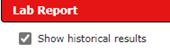
When viewing a lab report, you can click on the box in the upper left corner “Show Historical Results” to see previous results for those tests displayed side by side on the report.
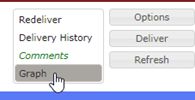
You can also select “Graph” using the Options button in the upper right corner to view a graph of numeric results.