The City of Seattle values privacy
The City of Seattle values privacy. As data and digital services become increasingly necessary and expected for governments, we need to meet that challenge by responsibly safeguarding and protecting the public’s personal information. The privacy professionals within the City work daily to balance privacy with the Washington State Public Records Act — (PRA) a Washington state law requiring public access to all records and materials from government entities and public institutions.
A public record is defined as “any writing containing information relating to the conduct of government or the performance of any governmental or proprietary function prepared, owned, used, or retained by any state or local agency regardless of physical form or characteristics.” (RCW 42.56.010). This includes papers, photos, maps, videos, emails, text messages, databases, social media, and other electronic records. Read more on the Tech Talk blog.
 It’s the season for a digital spring cleaning!
Spring is a time when the world gets a fresh start. The sun returns and the trees begin to blossom as nature seems to wake back up from the dreary winter. This change of season marks the perfect time for you to spruce up your life as well, especially when it comes to your technology! Follow these tips to perform a digital spring cleaning and refresh your devices.
Delete downloaded items
Check your downloads folder, although warning, it may be a little overwhelming! There might be a chaotic mix of downloaded files, photos, and more that haven’t been organized. Go through these items to put everything into the right folder or delete these downloads.
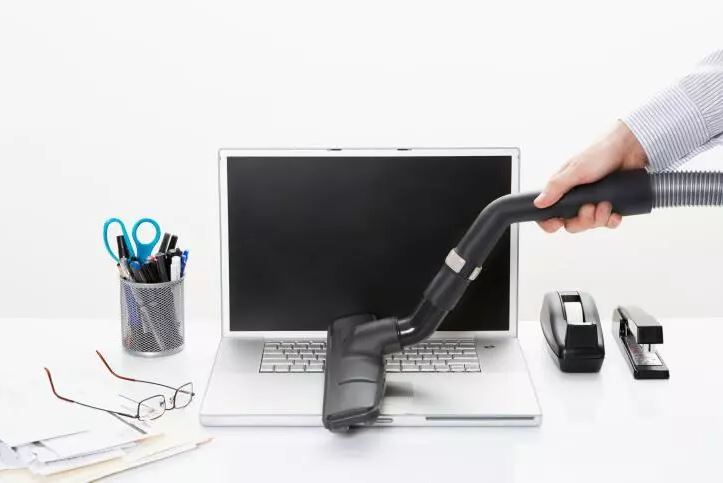
Clean your devices, literally
Phones and computers have a host of germs living on them as a result of being touched so much; in fact, your cell phone is the dirtiest piece of technology. Wipe down and disinfect all your tech and accessories or consider getting a UV light to sterilize surfaces.
Delete old accounts
While this likely won’t apply to your City email, your personal email is probably on many unnecessary subscription lists. As we head into spring, refresh your email account by unsubscribing from everything you no longer want or use. Not only will this clean up your inbox, but it will also prevent more unnecessary emails in the future.
Update your software
If you are behind on device updates, this is a great time to make sure all your devices are running on the newest software and operating systems. These updates can take a while, so it is useful to set aside some time to do them all at once.
|