 Dear School Certifying Official,
Whether you continued to use Enrollment Manager (EM) over the summer to certify your students’ enrollments, are looking forward to getting back in the groove before peak enrollment, or will be logging in for the first time, here are a few reminders to help you kick off the new semester.
Log in to Enrollment Manager today at https://iam.education.va.gov/. Check out our recently updated Enrollment Manager User Guide for step-by-step instructions. For more resources on logging in, head to the “Enrollment Manager information” section on the Resources for Schools webpage to find quick start guides and more.
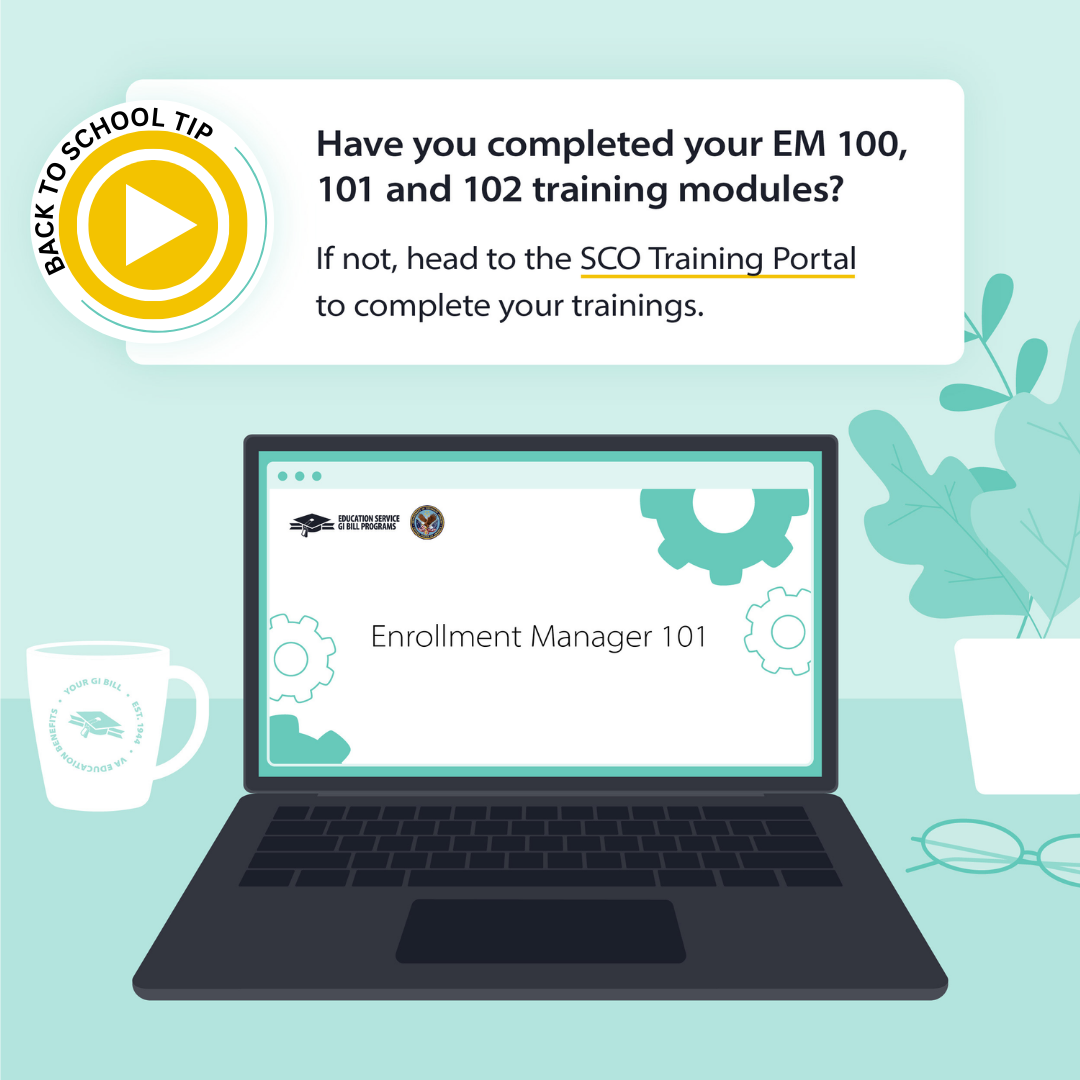
Review your EM 100, EM 101 and EM 102 trainings and complete them if you haven’t already. Click the graphic below to access your Enrollment Manager trainings in the SCO Training Portal.
Use VBA remarks instead of custom remarks. We strongly recommend avoiding comments whenever possible. When comments cannot be avoided, you should use VBA remarks to share information that impacts payment and is not available elsewhere in the student's enrollment or amendment. Learn more about entering remarks in the Enrollment Manager User Guide.
Paper (PDF or hard copy) enrollment certifications are no longer accepted. As of August 1, all enrollment certifications must be submitted through Enrollment Manager. Limited exceptions apply for programs or training types that are not supported by Enrollment Manager, such as Correspondence Training, beneficiaries using Veterans' Education Assistance Program (VEAP) (Chapter 32) benefits, restricted foreign school locations, claimants with no social security numbers and facilities permitted to teach-out existing students.
Double check the Program tab before you create an enrollment. Make sure the student’s benefit type, objective (if applicable) and program are correct before submitting the enrollment.
Updates based on your feedback. Based on your feedback, we’ve made improvements to the system, including the ability to delete draft enrollments, print multiple enrollments at once and more. See the full list of updates on Enrollment Manager System Updates page.
For more information about Enrollment Manager, please attend our monthly SCO Office Hours sessions to get answers to any further questions you may have. We wish you a successful school year!!
Kind regards,
Education Service
|