Veterans Benefits Administration sent this bulletin at 02/23/2023 10:00 AM EST
School Certifying Officials,
We are excited to introduce the Tip of the Week campaign for Enrollment Manager. This series will provide you with weekly tips and insights on how to best use the new Enrollment Manager features each Wednesday.
Throughout this series, you will:
Learn more about how the new features can improve your daily work responsibilities
Know where to find helpful resources
Gain more confidence in using the system to better support your students
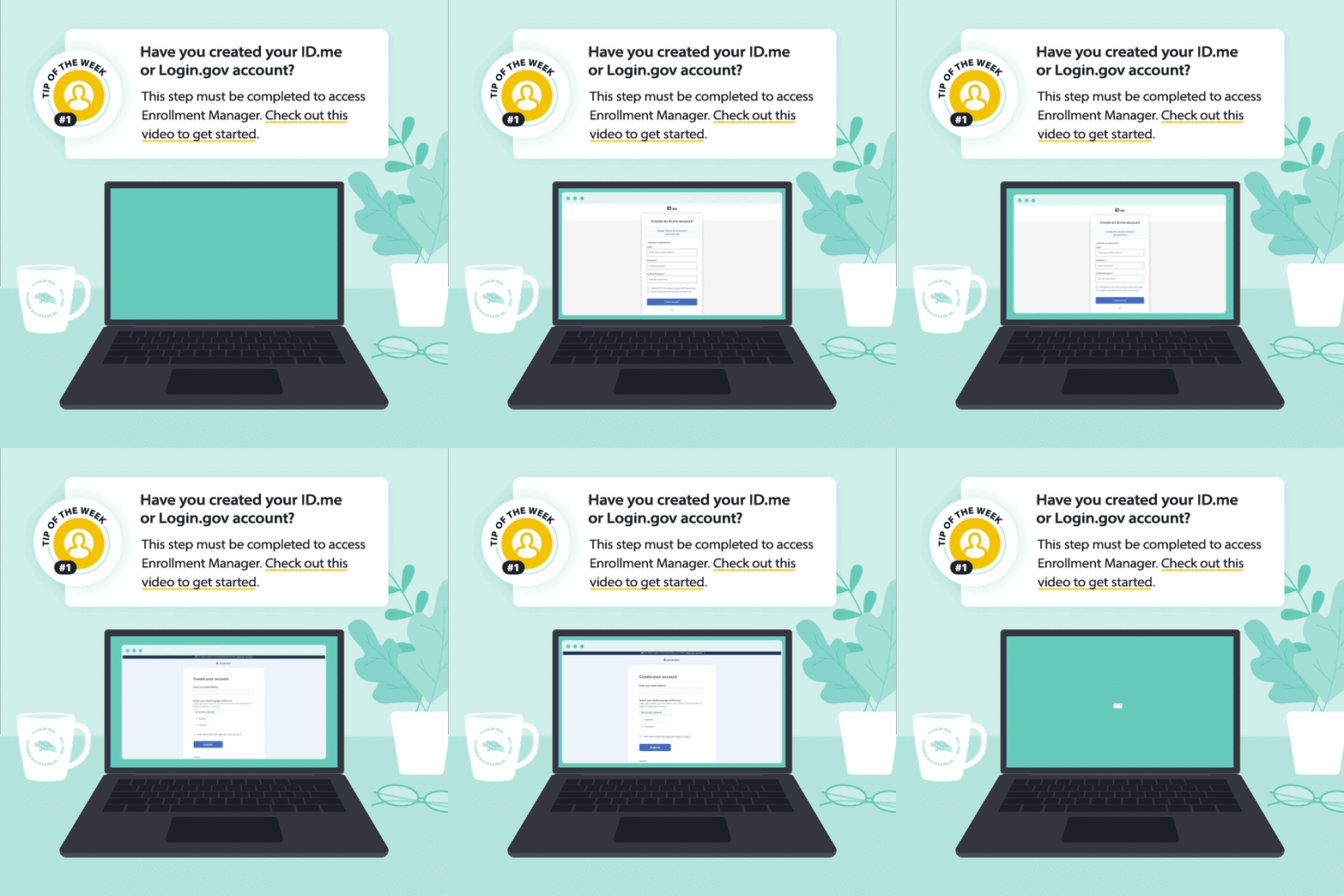
First up? Creating an ID.me or Login.gov account.
If you are a School Certifying Official with a PIV card, you are still required to create a verified ID.me or Login.gov account to access Enrollment Manager. Logging in with your PIV card will limit your abilities in the new system such as not being able to certify and submit enrollments. Check out this video to walk through the account creation process.
We’ll be back next week with a new tip as we get closer to the VA Education Platform Portal and Enrollment Manager going live on Monday, March 6. Have any suggestions on helpful content you’d like to see? Let us know in the feedback form.
Kind regards,
Education Service
US Department of Veterans Affairs
Veterans Benefits Administration
1-888-442-4551, TDD: 711
Do you have a question or concern about your benefits? Contact us safely and securely with AskVA!