|
https://content.govdelivery.com/accounts/UKCHESHEC/bulletins/3a1c78b |
|
Read your favourite magazines whenever you want to
Imagine reading your favourite magazines whenever and wherever you like.
Well, with eMagazines on the Libby app you can do just that!
If you'd like to browse 1000s of digital magazines, for free, read on to find out what Libby has to offer.
|
|
Why read eMagazines?
If you don't already read eMagazines on Libby here are a few reasons to try them:
- Read as much or as little as you want to at any time. Ideal for a long trip or those few spare minutes
- Our digital magazines have no waiting lists or reservations
- You can download as many issues as you want and they take up no space and are fully portable
- You can get the latest edition as well as up to 3 years of back copies
- You can download and read them on any device in any location 24/7
- They don't count towards library loan limits
- Issues expire and there are no overdue charges
- You can renew your selection
- You can explore the world with stunning photos and stories
- You'll find relevant and trusted content
- Digital magazines are sustainable and more environmentally friendly than printed magazines
- You'll save money on magazine subscriptions
The accessibility features on Libby make reading eMagazines is a user-friendly experience for all readers. You can change the appearance, zoom in, and Libby’s article view means you can resize the text for a more customised experience.
|
|
What will I find?
With on-the-go access to over 4,000 popular magazines we're sure you'll find something of interest on Libby.
Top titles include Good Housekeeping, National Geographic, Vanity Fair, and Radio Times. There are lots of special interest titles such as PC World, Mojo, Minecraft World, and Women’s Fitness, and many hundreds of other popular magazines from around the world. You'll find magazines for children and teens too, and titles in a variety of languages including Spanish, Chinese, Japanese, Italian, German, French, and more.
Cooking or gardening, science or travel, IT or health, history or business, whatever you're into we've got it covered. So, whether you want to discover a new skill or hobby, start a research project, stay abreast of world news, or dive into a DIY project there's a magazine for you.
|
|
How to use Libby
If you're a library member, you can borrow eMagazines from Libby for free using your library card number and password.
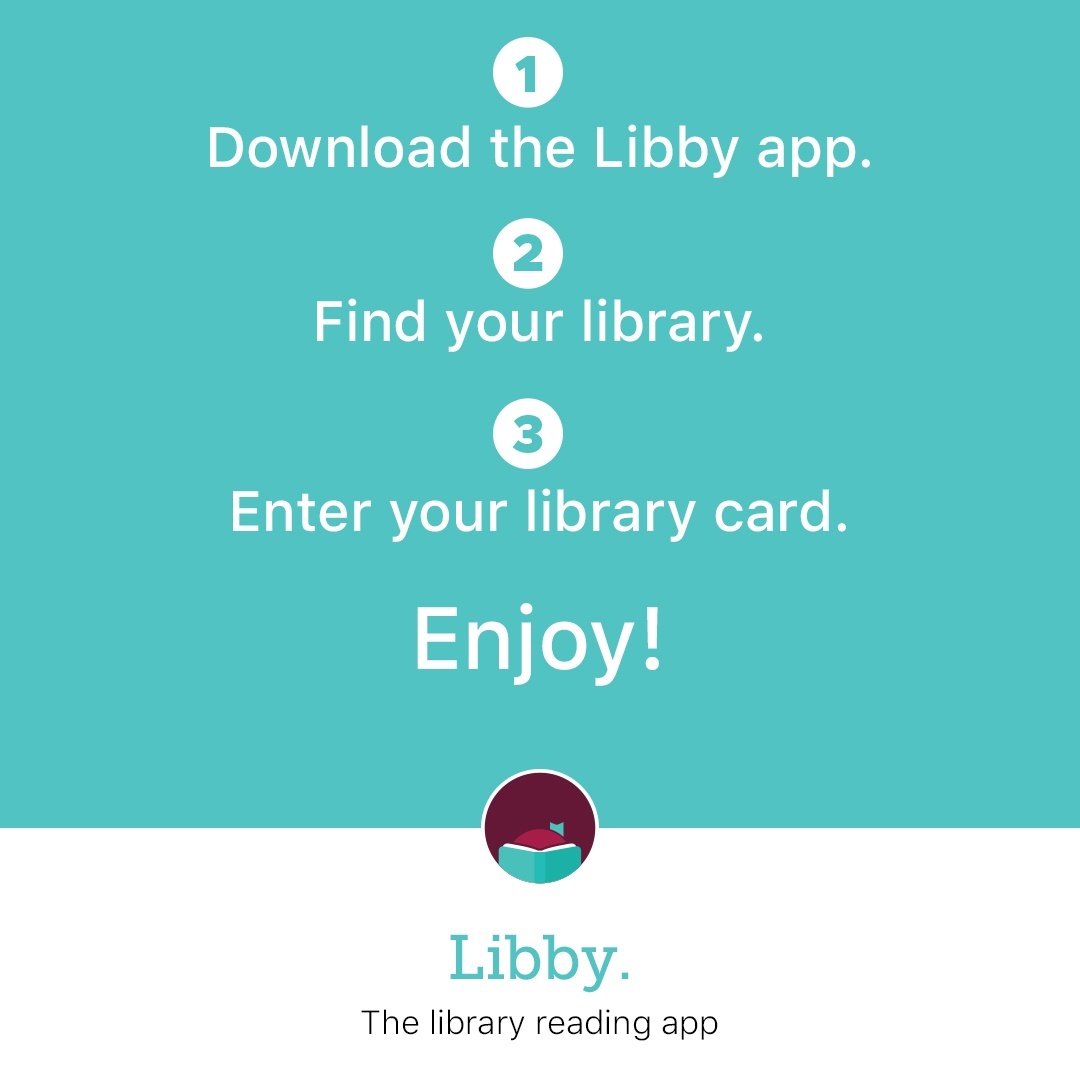
- Download the Libby app from your device’s app store. Libby is available for Android, iOS, and in your browser at libbyapp.com.
- Find your library and use your library card number and password to log in to Libby.
- If you're using a computer instead of the app, log into Libby online.
Once you've logged onto the Libby app or website, you're ready to start choosing magazines - you'll be spoilt for choice. Search by subject or title, or check out the topics on our curated shelves.
To read a magazine just tap the cover to open. While reading a magazine, you can tap the article button to open and read an individual article. When you close a magazine you can:
- Choose Subscribe to be notified when new issues come out.
- Choose Keep For 7 Days to keep the specific issue on your Magazine Rack for later.
On your Shelf, magazines appear on the Magazine Rack. Here, you can:
- Find the latest issues of magazines you subscribe to and issues of magazines you've chosen to keep
- Kept magazines have a countdown (e.g. "6 Days Left") below the cover
- Subscriptions have a "Latest Issue" label below the cover
If you set up a Notify Me smart tag, you'll be notified when the latest issue of your favourite magazine is available.
|
|
We hope to see you soon!
We always welcome feedback about our services. If you have enjoyed this newsletter or have any suggestions for improvement, please send us an email to libraries@cheshiresharedservices.gov.uk.
Alternatively pop into your local library and let the staff know. Thank you.
To manage your preferences, sign up for any of our other council newsletters or unsubscribe please visit Subscriber Preferences
|
|
|
|